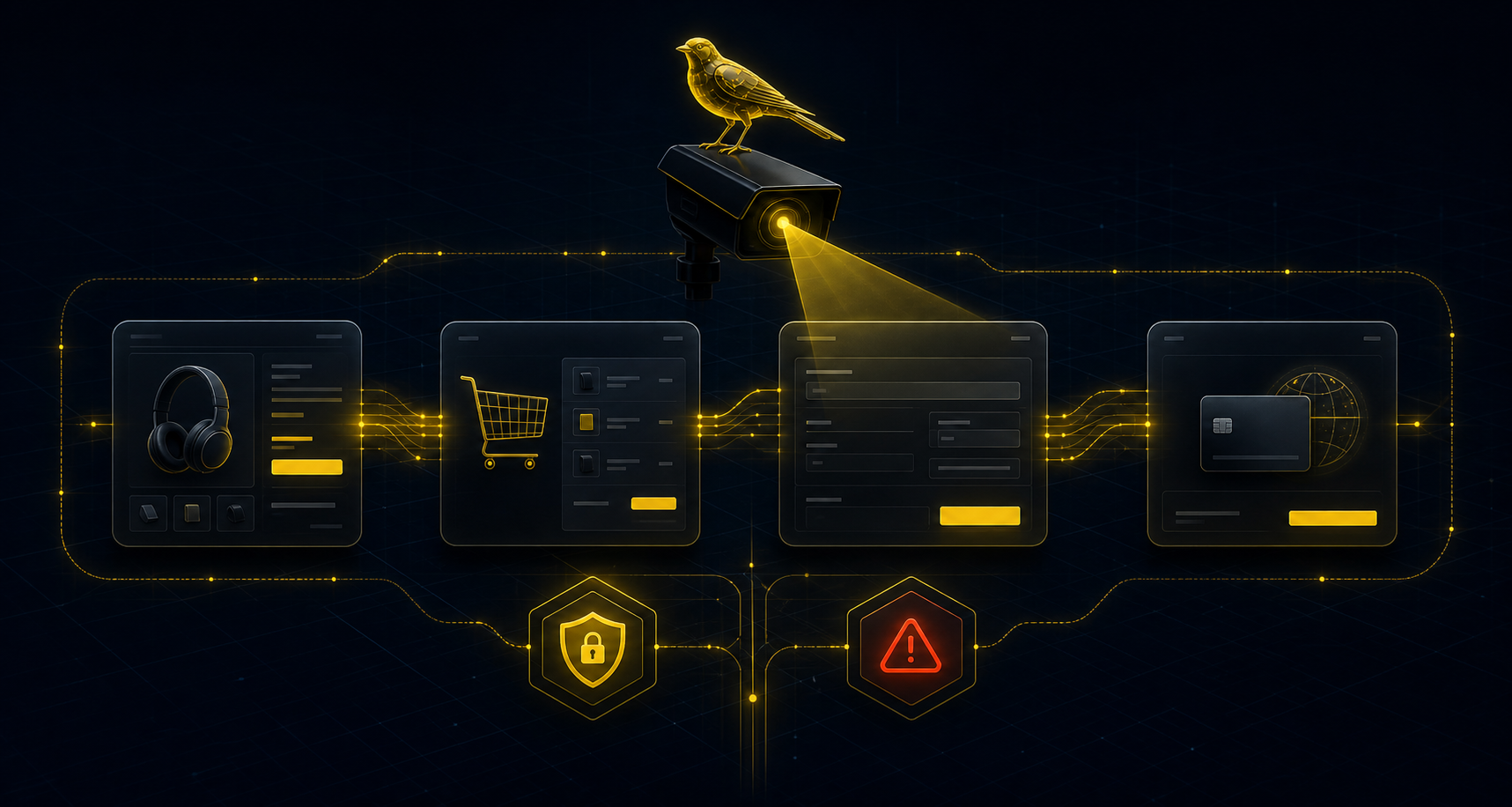
What “WooCommerce checkout not working” usually means
The phrase is broad. It can describe an inactive place order button, an empty cart, a missing payment method, a Store API error, a blocked 3DS step, shipping validation that never completes or a confirmation page that never appears.
That is why a normal uptime check is too weak. The checkout URL can answer HTTP 200 while the buying path is already broken.
First signals to separate
- Product page works but add-to-cart does nothing or returns an error.
- Cart fills, then empties before the checkout step.
- Checkout form loads but required blocks, shipping rates or payment methods are missing.
- Place order is visible but does not submit, redirects back or fails validation.
- Payment appears accepted but the confirmation step is never reached on a controlled journey.
Useful proof before opening the fix
Useful proof names the failing step, expected signal, observed signal, timestamp, priority and likely business impact. It should not expose customer names, emails, cart contents, payment data or private WooCommerce secrets.
How CashFlowCanary helps
CashFlowCanary monitors the conversion path as a sequence and turns a failure into an incident with filtered evidence. That lets a merchant, agency or developer decide faster whether the issue is cart/session, checkout form, payment method, Store API, cache or plugin conflict.