Global verdict
The status says whether revenue needs attention now or only monitoring without escalation.

Workflow demo
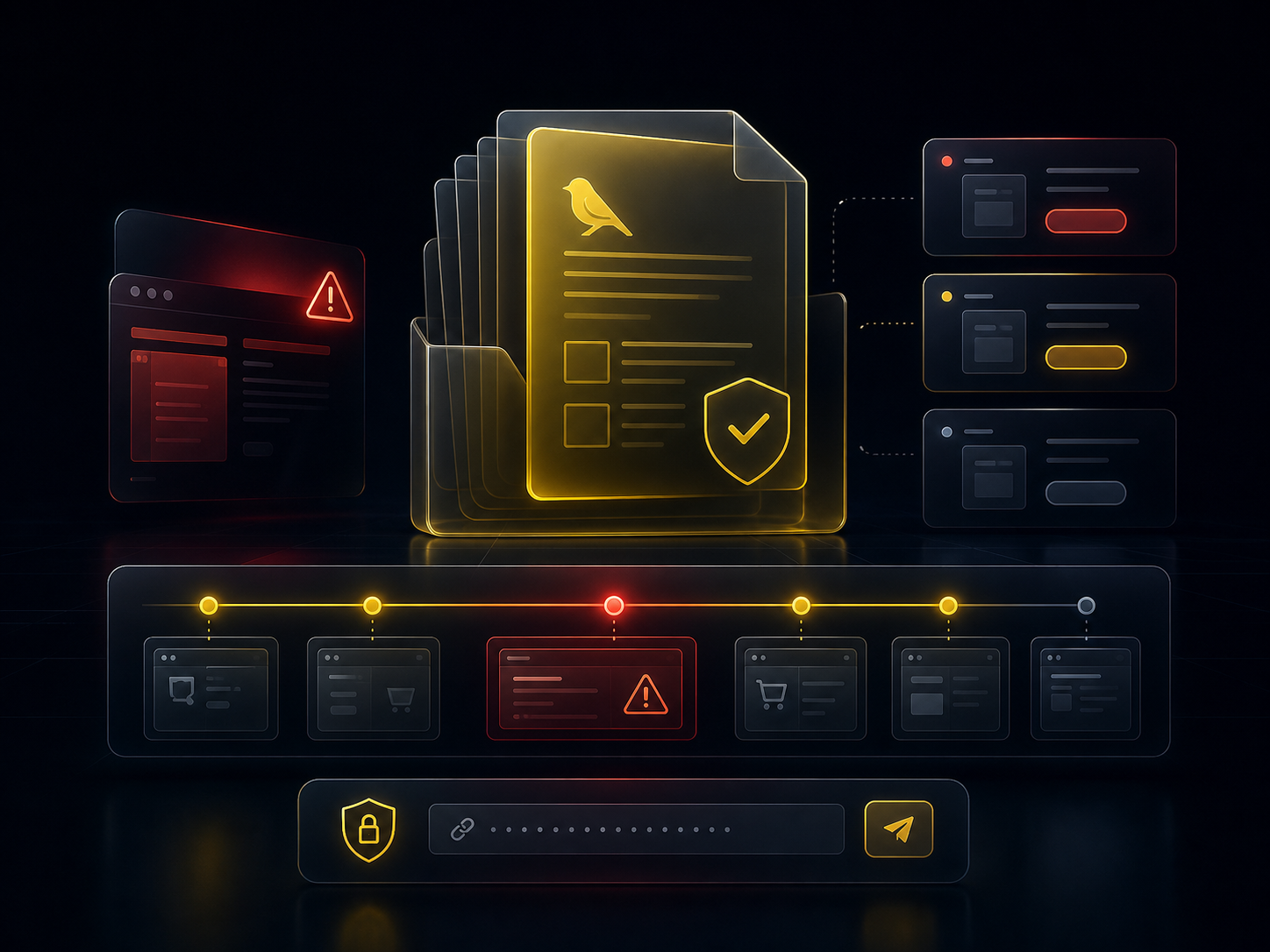
This demo follows a fictional incident end to end: detection, incident report, AI intervention on a paid plan, recheck and intervention report.
Demonstration
The cockpit should not only say red or green. It should explain what broke, what was attempted, why recovery is credible and what can be handed to the client.
The checkout monitor gets a 503 error on order validation while the product page remains available.
The report lists affected monitors, likely cause, exact path and non-generic resolution leads.
On a paid plan, the non-interactive AI applies a bounded action: checkout cache purge, targeted cache-rule disablement or restore of a known healthy configuration depending on diagnosis.
Product, cart, checkout, test payment and confirmation are checked again to avoid confusing temporary improvement with real recovery.
The resolution PDF keeps the client template and adds exact AI actions, timestamps, observed result and proof of recovery.
Each cockpit zone has a clear operating role: prioritize, diagnose, act, then report back.
The status says whether revenue needs attention now or only monitoring without escalation.
Product, cart, checkout, payment and confirmation stay separate to avoid vague diagnosis.
The detail shows the exact symptom, opening time, proof and next action.
Email, Slack, Telegram and WhatsApp appear depending on plan and configuration, with masked destinations.
The incident report and intervention report keep the same design and content quality.
Cadence, history, exports and AI access explain why a paid plan protects better.
Read-only
The page does not access customer accounts, trigger checks or contain personal information. It only illustrates the expected hierarchy in the client area.