Guided connection
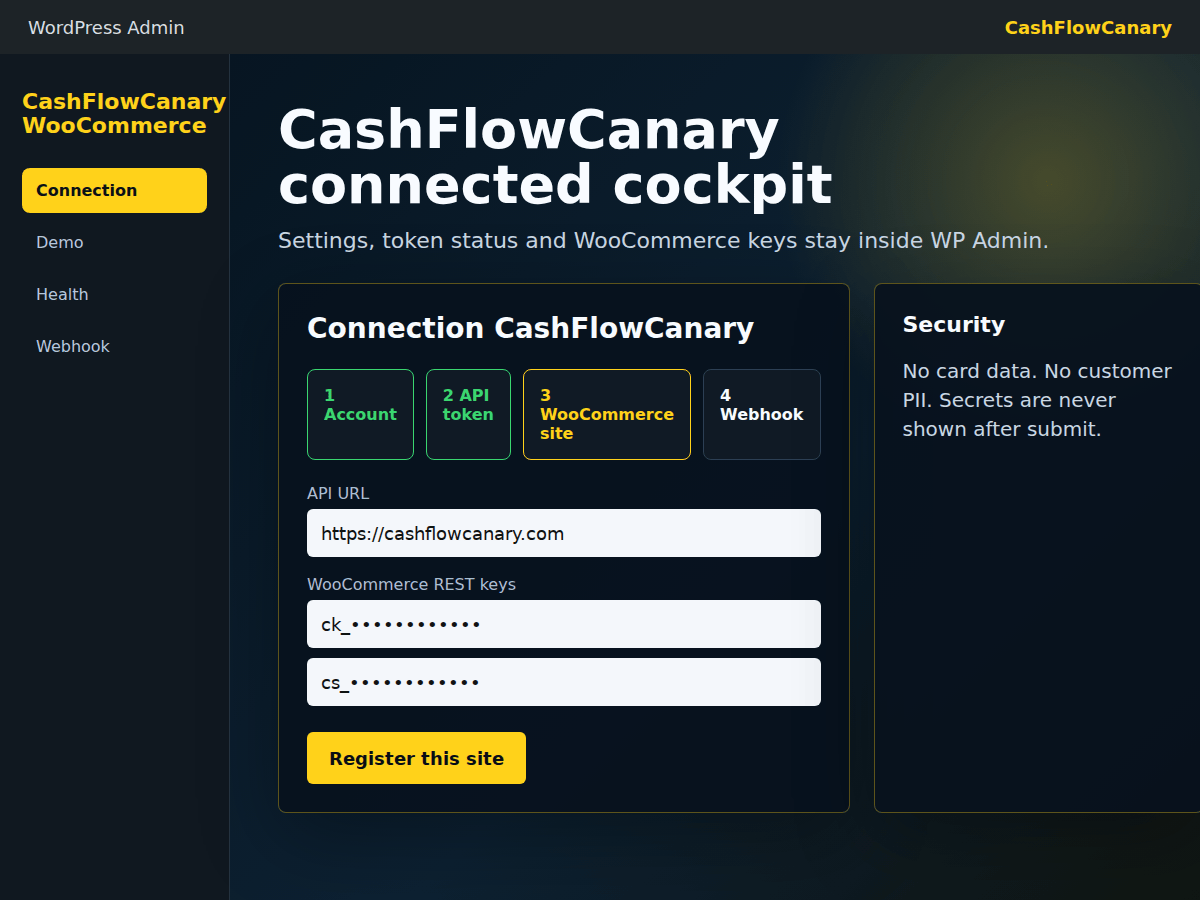
The administrator enters the CashFlowCanary URL, site token and WooCommerce keys in dedicated fields. Secrets are not shown afterwards.

WordPress plugin
The plugin adds guided setup, local demo mode, a protected health endpoint, WooCommerce webhooks and the context used by paid-plan AI intervention on the CashFlowCanary VPS.
The administrator enters the CashFlowCanary URL, site token and WooCommerce keys in dedicated fields. Secrets are not shown afterwards.
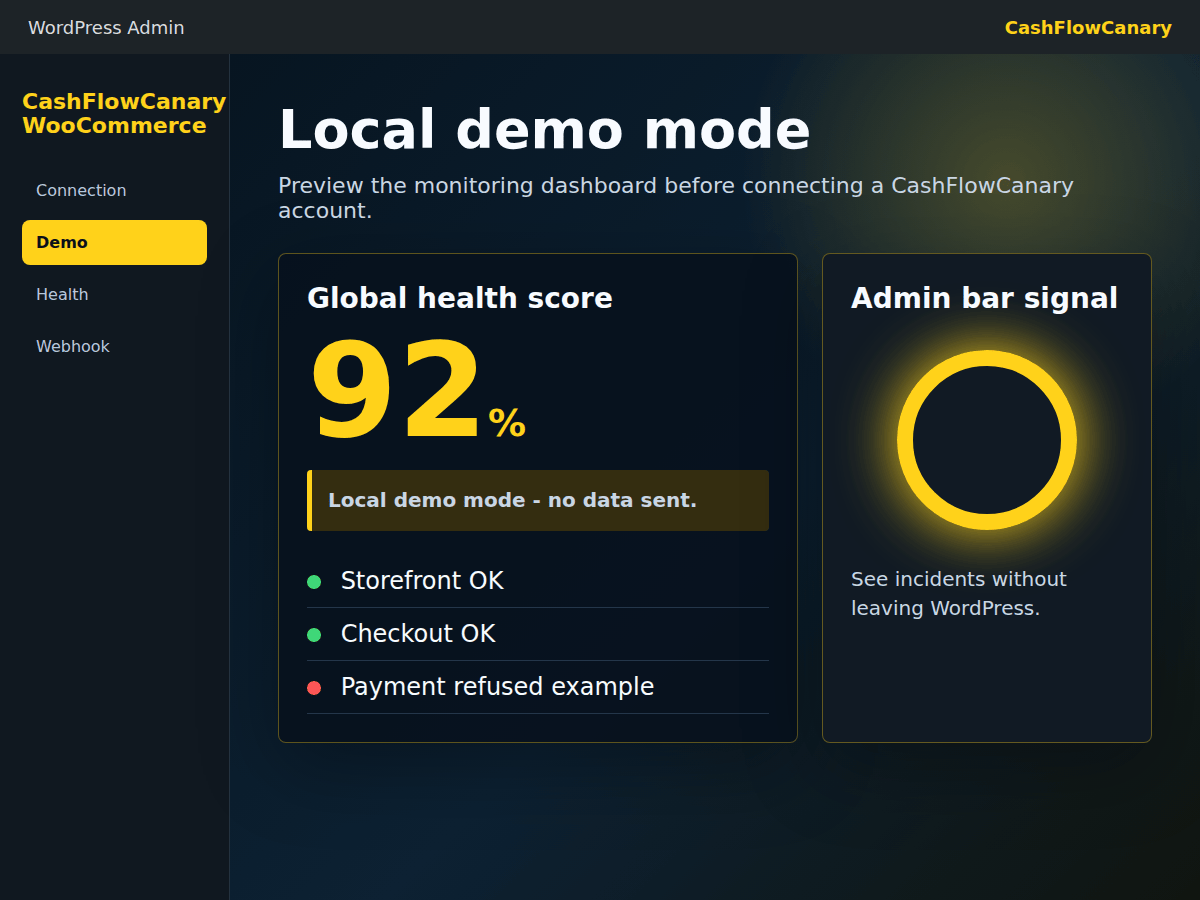
Demo mode shows the signal rendering directly in WordPress before connecting a store to the service.
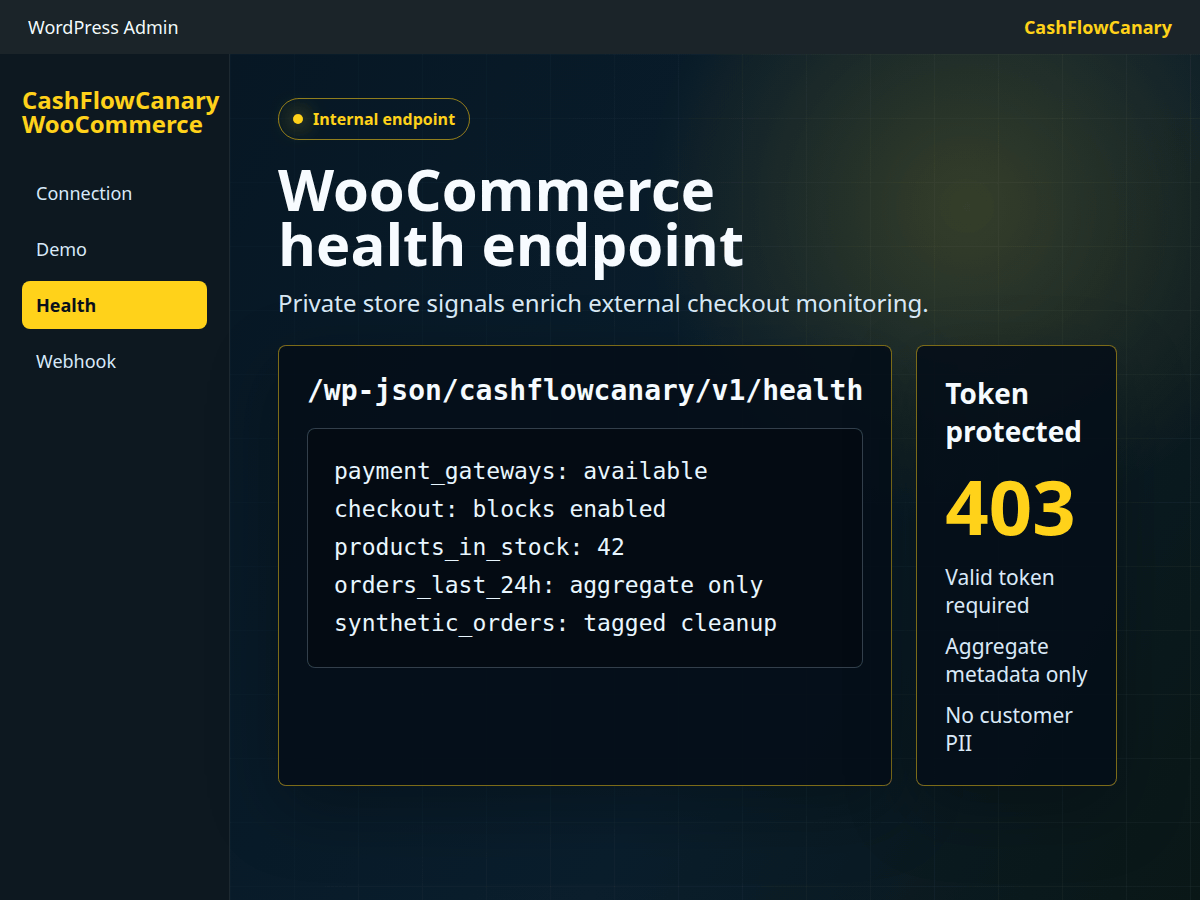
CashFlowCanary reads aggregate diagnostic signals used by the VPS-hosted language model: version, payment method availability, stock and general counters.
When an incident is detected on a paid plan, CashFlowCanary produces the incident report, runs guarded AI intervention from its VPS, rechecks checkout and generates the intervention report.
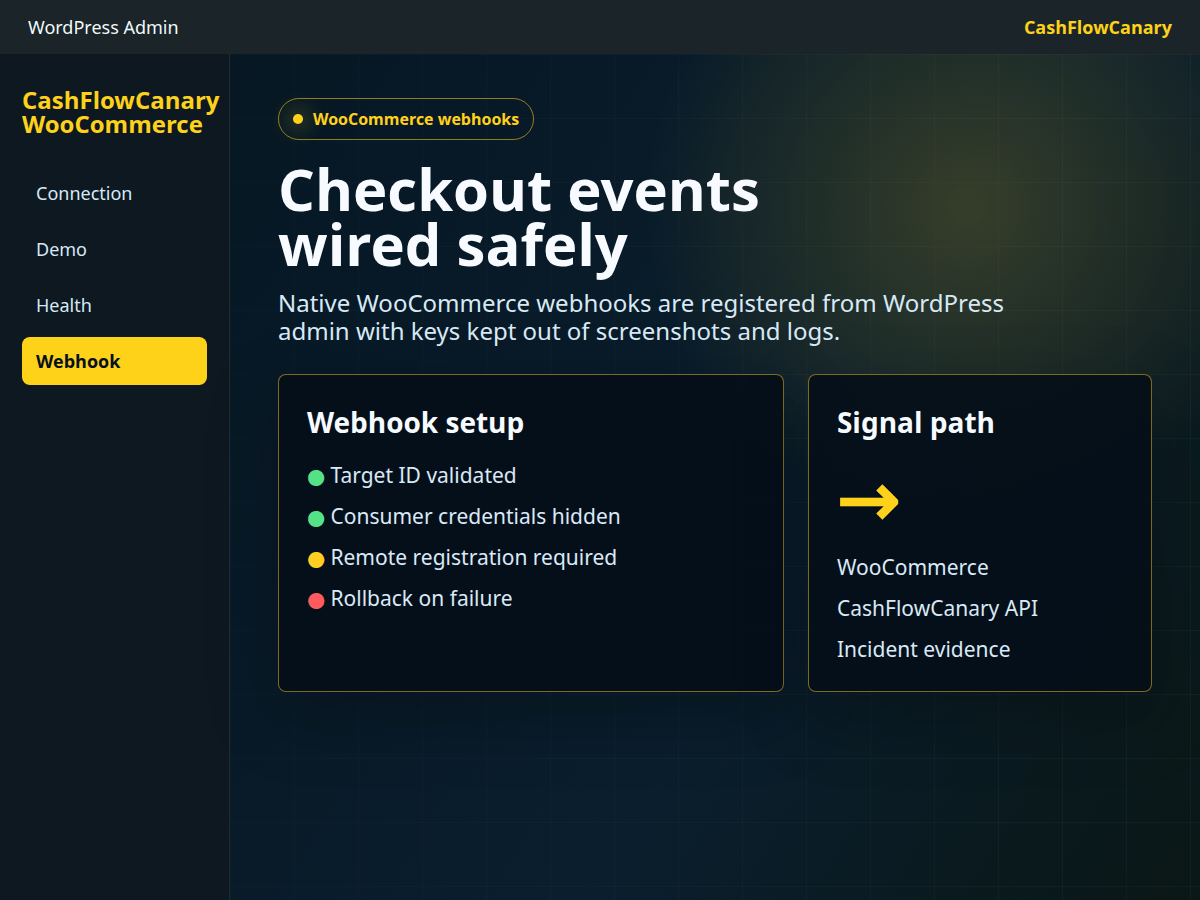
Checkout events can be connected to CashFlowCanary, with rollback expected when configuration fails.
The WordPress.org listing should not sell an abstract connector. It should show the situations where a WooCommerce admin gets a visible result quickly.
The plugin gives CashFlowCanary the internal signals needed to separate an available site from a WooCommerce funnel that can actually sell.
Aggregate signals feed incident reports: affected step, expected signal, observed signal and shareable proof without customer data.
An agency can connect several stores, follow plugin status and handle revenue-blocking checkouts first.
On paid plans, plugin signals provide context for the incident report, VPS-hosted language model, AI intervention, recheck and intervention report workflow.
The right activation goal is not the download. It is a connected store sending a first usable signal into the cockpit.
The user confirms the plugin screen works in WordPress without an account and without data transfer.
After explicit token and WooCommerce key entry, CashFlowCanary receives aggregate store signals.
The cockpit shows the latest plugin check, checkout state and next expected check.
The review request must arrive after a useful result, stay optional and never buy, force or simulate feedback.
The installation page gathers the WordPress.org download link, activation steps and checks to run before connecting live monitoring.
A short page to get the plugin, upload the ZIP, open demo mode and connect the first site.
Download, upload the ZIP, activate WooCommerce/CashFlowCanary and move from local demo to live monitoring.
Open the official CashFlowCanary Checkout Monitor for WooCommerce plugin page.
Plugin screenshot
WordPress admin setup: API URL, CashFlowCanary token and WooCommerce keys hidden after entry.
Plugin screenshot
Preview the cockpit and admin bar signal without creating a CashFlowCanary account or sending store data.
Plugin screenshot
Private token-protected endpoint: aggregate signals, available payment methods and useful diagnostic metadata.
Plugin screenshot
Controlled checkout event registration from WordPress, with rollback expected if configuration fails.
The plugin does not replace store payment methods and does not process cards.
Screenshots, endpoint and the VPS-hosted AI intervention use aggregate signals, without buyer email, address, card or named cart.
Connection, webhook, demo and capabilities used by AI remain explicit inside WordPress admin.