Scope
Identify whether the site fits CashFlowCanary: WooCommerce, sales funnel, critical pages and signals accessible without sensitive data.

Free audit
Qualify product, cart, checkout, payment, alerts and proof to hand over. No secret requested, no real payment, no persistent store action.
Framing diagnosis
The audit starts with a simple question: can the revenue steps be observed, prioritized and proven when they break?
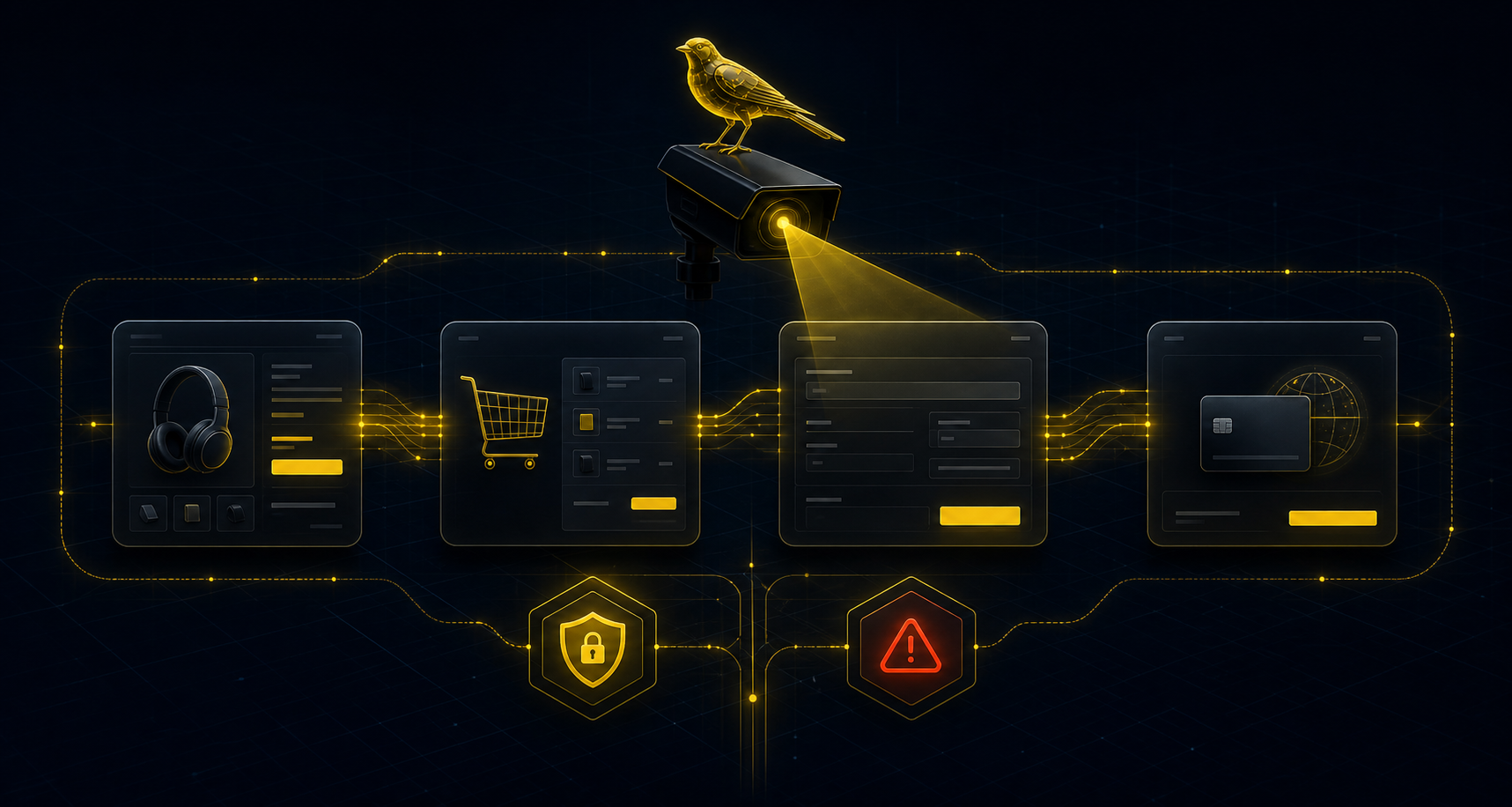
The goal is to turn a risk intuition into a readable monitoring plan.
Identify whether the site fits CashFlowCanary: WooCommerce, sales funnel, critical pages and signals accessible without sensitive data.
Locate where a checkout can look available while blocking sales: emptied cart, unusable form, missing payment method or uncertain confirmation.
Define what should be shown during an incident: affected step, timestamp, filtered context, priority and recommended next action.
The result should lead to a clear decision, not to another pile of alerts.
If you report to several clients, compare per-client-site offers with reports, history and white-label options by plan.
If you protect one store, choose coverage based on volume, checkout cadence and required alerts.
See the filtered proof CashFlowCanary prepares when a checkout breakage is detected.
No for the free framing audit. It starts from a public URL and qualifies scope without secrets, customer cookies or admin access.
No. The free audit does not make a real payment and must not create durable effects on the store.
You get a framing view: site fit, likely checkout risks, expected proof and the monitoring path that matches the context.